Show personalized content, deliver location based redirects, translations, and access controls inside Webflow with just a few clicks. Setup is simple and the app publishes all required code to your site with one click, no manual work needed.




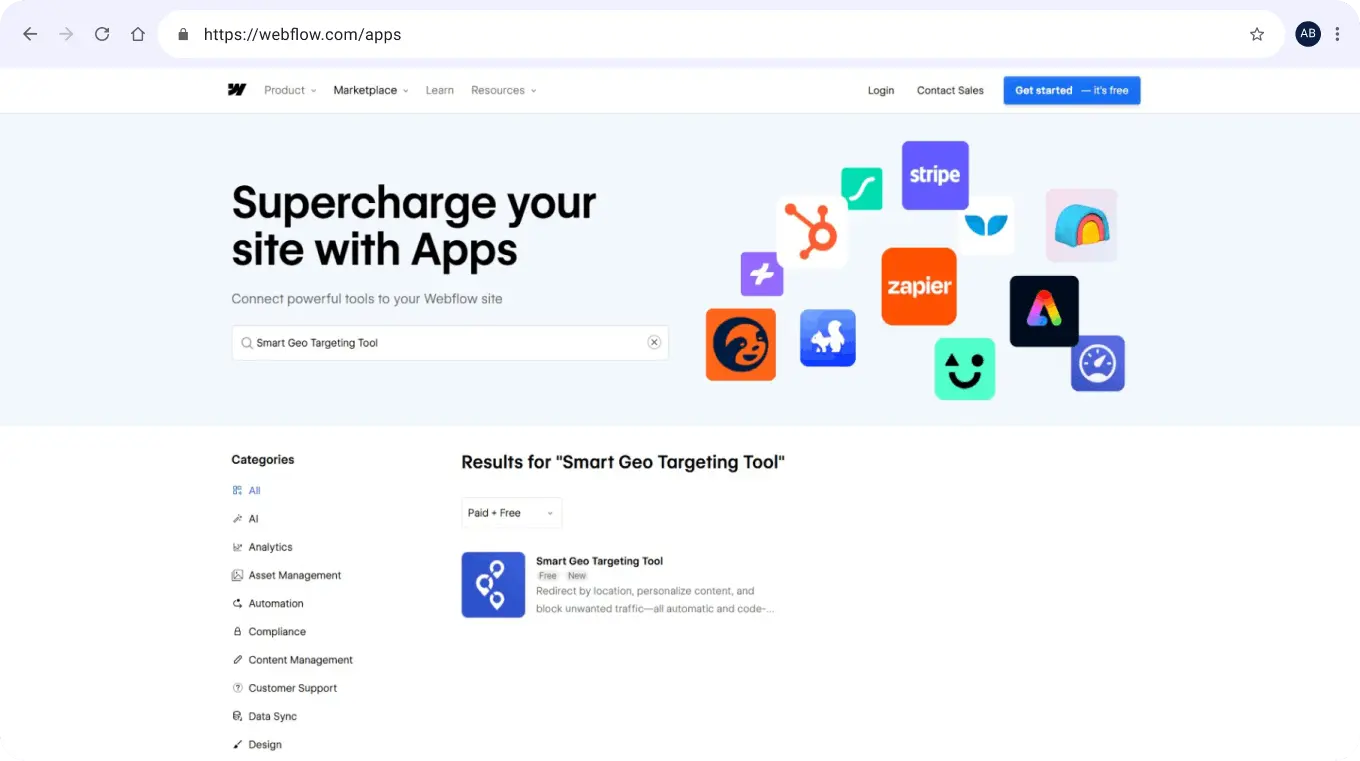








Install the app once and unlock every geo-targeting feature. The Webflow app connects your site to Geo Targetly so you can create location-based content, redirects, translations, and access rules directly from a simple dashboard. Everything is managed in one place and published to your Webflow site with no manual code, making it easy to launch any feature whenever you need it.

The Webflow app is designed to be fast, secure, and reliable, providing a smooth, seamless setup experience.
Once installed, the app automatically publishes the Geo Targetly tracking code to your site so you can deploy any geo-targeting feature with minimal effort. After connecting, all updates and configurations are handled in your Geo Targetly dashboard, and they are applied to your Webflow site instantly with no extra steps.

All geo-personalization features, like redirects or translations, are managed in your Geo Targetly dashboard. Configure once, and any changes or any new set-ups you make will automatically apply to your live Webflow site without republishing any code. No need to log into the Webflow designer every time you make a change.


Set up the Geo Targetly Webflow app in two quick steps:
1
1.
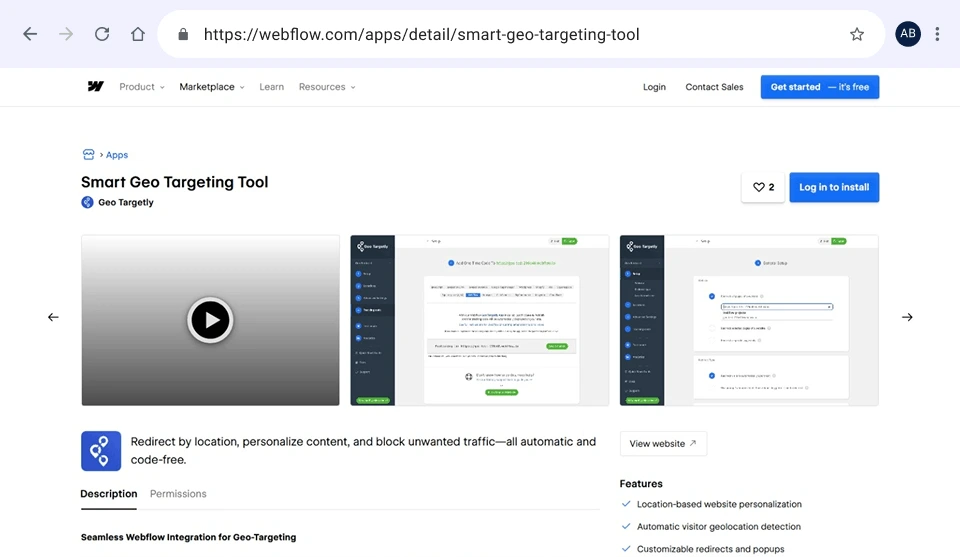
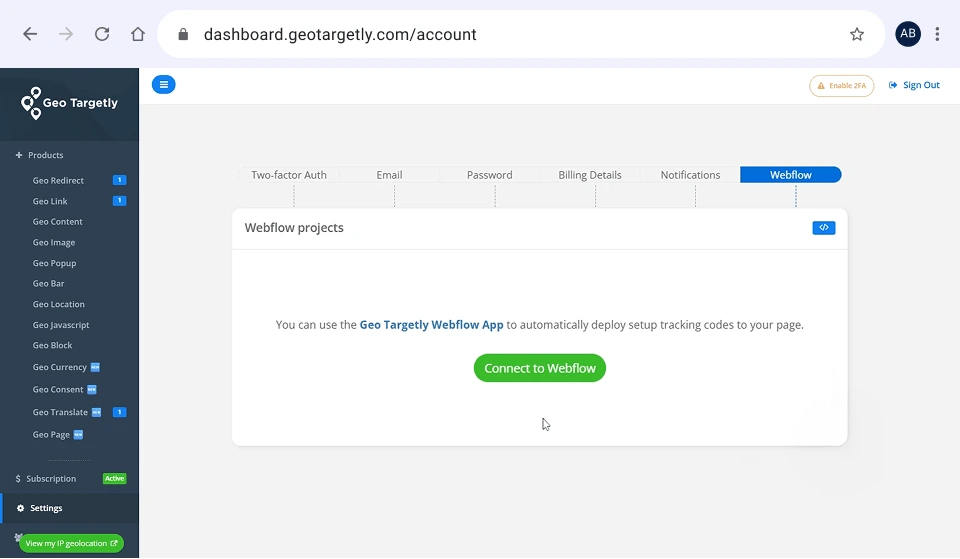
Install the Geo Targetly app from the Webflow App Marketplace. If you do not have a Geo Targetly account yet, you will be prompted to create one during the installation. You can also connect Webflow directly from your Geo Targetly account settings if you already have an account.
2.
Choose the Webflow project you want to connect.
3.
Once connected, the app automatically links your project to Geo Targetly, making your website ready for the geo-targeting setup.
2
1.
Log in to your Geo Targetly dashboard.
2.
Select your desired feature (e.g., Geo Redirect, Geo Content).
3.
Configure your settings directly in the dashboard.
4.
Select the desired page/domain where you wish to deploy the set-up from the “Connected Webflow Sites” dropdown.
5.
When you are ready, click Save and Publish. Your changes are then pushed to your Webflow site instantly, with no extra steps or manual code required.
Once published, your feature goes live immediately. If you make updates later, simply save and update your changes in Geo Targetly. Updates are automatically applied to your Webflow site with no need to reconnect or republish the tracking code.
Set up the Geo Targetly Webflow app in two quick steps:

Automatically redirect visitors to the right page based on location.

Create smart short links that automatically redirect each visitor to the right page based on their location, or prompt them with a pop-up when needed.

Automatically translate your site into the visitor’s preferred language. Choose to display the content on the same URL or to create a new page for it.

Restrict access or reroute visitors based on the user's region or their use of VPNs and proxies.

Show or hide content, swap text, or customize elements based on location.

Obtain visitor location details, including language and proxy/VPN status, for analytics and personalization.

Run custom scripts for different visitor locations.

Convert prices in local currencies using real-time exchange rates.

Show location-specific cookie consent banners for GDPR, CCPA, and other regulations.

Trigger location-based popups for promotions, alerts, custom CTAs and even exit intent popups.

Display a geo-targeted announcement bar with localized offers or updates.

Build a single landing page that automatically swaps content for each visitor based on their country or city. Perfect for your social media link-in-bio.
Our team is here to help you succeed with the Webflow app: